Your ASPM Filters 97% of Alerts. None of Them Get Fixed.

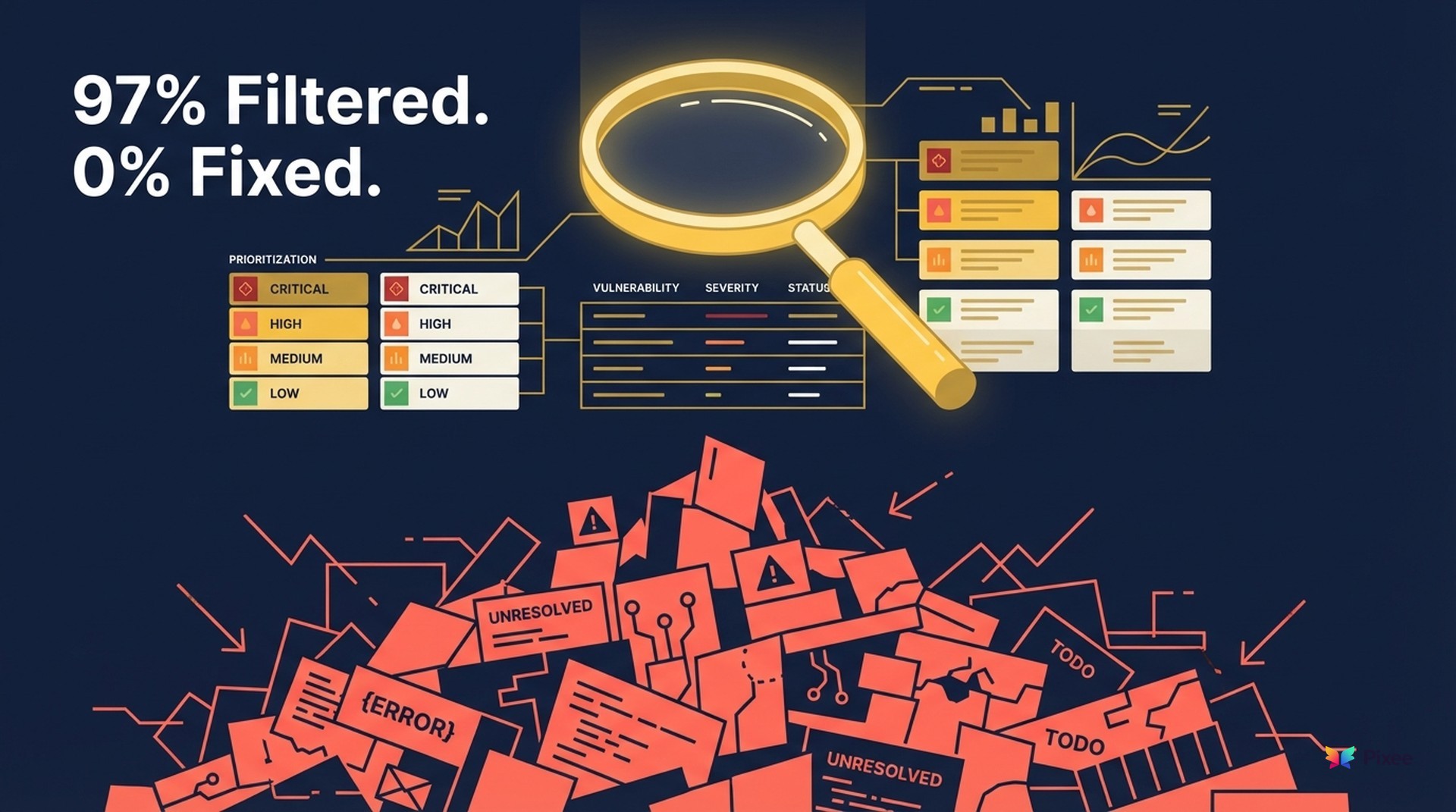
Your ASPM did exactly what it promised — here's why that's not enough.
The Gap Nobody Warned You About
Your ASPM was probably the best tool decision your AppSec team made last year. Before it, your security engineers were toggling between five or six scanner dashboards, manually deduplicating findings, and building spreadsheets to figure out which vulnerabilities actually mattered. The average organization runs 49 security tools (per Cycode's State of ASPM 2024 report), and 81% of security teams report alert fatigue from that sprawl.
ASPM solved the noise problem. It aggregated findings, correlated them to business-critical assets, and surfaced a prioritized list. But understanding ASPM limitations starts with what happens after prioritization.
But here's the question most ASPM buyers don't ask until six months in: now that you can see everything, who's writing the code to fix it?
Practitioner feedback on Gartner Peer Insights reflects the pattern. One reviewer noted: "The platform shows you what's wrong but doesn't fix it." Another was sharper: "If your organization isn't fundamentally equipped to act on its insights, you're just burning cash on another dashboard."
The gap between seeing vulnerabilities and resolving them isn't your ASPM's fault. It's a category boundary, and understanding it changes how you evaluate your entire AppSec stack.
What Does ASPM Actually Do Well?
Before dissecting ASPM limitations, let's be precise about what the category delivers. ASPM tools do several things well, and dismissing that value would be dishonest.
Aggregation. ASPM pulls findings from your SAST, SCA, DAST, container scanners, and secret detection tools into a single view. When you're managing 5.3 tools on average, that consolidation alone saves hours of manual correlation every week.
Correlation and context. The better ASPM platforms map vulnerabilities to application architecture: which services are internet-facing, which handle PII, which connect to payment systems. This business-context layer transforms a flat list of CVEs into a risk-ranked view that actually reflects your environment.
Prioritization. This is where ASPM delivers its clearest ROI. OX Security reports a 97.92% reduction in overall active alerts (per their own benchmark), surfacing only the 2-5% of findings that are truly critical. Even accounting for vendor optimism in that number, the directional value is real: ASPM cuts noise dramatically.
Compliance and policy enforcement. For audit readiness, ASPM is the right tool. Continuous monitoring against policy baselines, automated SLA tracking, and executive dashboards for board reporting. For regulated organizations, this alone justifies the investment.
Getting More from the ASPM You Already Own
If you haven't done these three things, you're leaving value on the table:
What Are the ASPM Limitations Nobody Talks About?
Gartner's definition of ASPM is instructive. The category "aggregates, correlates, and prioritizes" security findings. Read that list again. Remediation isn't in the job description.
This isn't a criticism. It's a category boundary that defines the ASPM vs remediation divide. ERPs don't do CRM. SIEMs don't do endpoint response. ASPM doesn't write code. These tools were architected as an intelligence and orchestration layer, designed to tell you what matters most, not to produce deployable fixes.
The challenge surfaces when organizations treat ASPM as the final piece of their AppSec stack. A prioritized list is valuable, but it still requires human engineers to analyze the vulnerability, understand the code context, write a fix, test it, get it reviewed, and deploy it. That process averages 252 days from discovery to remediation across the industry — a timeline that makes security backlogs compound every sprint.
There's also an inherited accuracy problem. ASPM deduplicates and prioritizes findings from underlying scanners, but it doesn't rewrite the scanner's analysis. If your SAST tool has an approximately 60% true positive rate and just under 40% false positive rate (based on OWASP Benchmark testing of commercial SAST tools), your ASPM surfaces cleaner noise, not zero noise. A structured triage framework can categorize what survives, but ASPM doesn't provide one natively. The false positives that survive are better prioritized, but they still consume engineer time when someone sits down to write a fix that isn't needed.
A familiar pattern emerges: your ASPM dashboard shows a well-organized, risk-ranked backlog. Your remediation metrics show that backlog barely shrinking. That gap is structural, not a failure of configuration or process.
Where Are ASPM Vendors Heading on Remediation?
ASPM vendors see this gap too, and the category is evolving. Understanding where vendors stand today, and what their "remediation" claims actually mean, helps you evaluate the landscape honestly.
Remediation capabilities fall on a spectrum:
Level 1: Passive dashboards. Visibility and reporting only. The original ASPM value proposition.
Level 2: Workflow automation. Automated ticket creation, routing to the right team, SLA tracking, Jira/ServiceNow integration. This is where most mature ASPM platforms operate today. It's valuable. Getting the right finding to the right developer faster is real progress. But the developer still writes the fix.
Level 3: Guided remediation. AI-generated suggestions, code snippets, remediation guidance attached to findings. Some vendors, including Seemplicity with its "Remediation Orchestration" positioning and Phoenix Security with its "Remediator Agent," are building toward this. The guidance can accelerate a developer's fix, but it's advisory, not autonomous.
Level 4: Autonomous code remediation. Generating deployable, context-aware code changes that go through standard PR review. This requires a different architecture entirely. The system needs to understand your codebase, your coding conventions, your dependency graph, and your test suite. It's a different engineering problem than posture management.
Most ASPM vendors are solidly at Level 2, with some reaching Level 3. Level 4 requires capabilities that sit outside the ASPM architecture: deep code analysis, AST manipulation, dependency resolution, and build verification. That's not a failure of ambition. Posture management and code-level remediation are distinct engineering disciplines.
When Is ASPM Enough on Its Own?
The honest answer: sometimes.
ASPM without an additional remediation layer is sufficient for organizations where the volume of actionable findings is low enough for manual resolution. If your team surfaces fewer than 100 findings per month after ASPM prioritization, and your engineers have capacity to address them within your SLA windows, adding automation may not justify the investment.
ASPM is also the right tool, and possibly the only one you need, for compliance reporting, audit preparation, and executive-level security posture communication. No remediation tool replaces that function.
And some vulnerabilities simply require human architectural judgment. Authentication flow redesigns, data model changes, business logic fixes. These demand understanding of intent and system behavior that no automated tool should attempt without human oversight.
The question isn't whether ASPM is a good tool. It is. The question is whether it's the last tool you need, or the second-to-last.
How Do You Evaluate Remediation Tools?
Once you've mapped the ASPM vs remediation boundary in your own stack, here are five questions to ask any tool claiming to close that gap. These work whether you're evaluating a standalone remediation platform, an ASPM vendor adding fix capabilities, or an AI code tool pivoting into security.
1. Does it produce code changes or Jira tickets?
This is the sharpest dividing line in the category. Orchestration routes work to humans: creating tickets, assigning owners, tracking SLAs. Remediation does the work, generating code changes that go through your standard review process. Both are valid. Know which you're buying. If the demo shows a Jira board, you're looking at Level 2 workflow automation, not remediation.
2. What's the merge rate across real codebases?
The only metric that proves developers trust the output. A tool that generates fixes nobody merges is an expensive suggestion engine. Ask for measured data across production deployments, not cherry-picked demo repositories. (Pixee publishes a 76% merge rate — ask any vendor you evaluate for the same transparency.) Ask about the denominator: merge rate of what? All generated PRs? Only "high confidence" fixes? The methodology matters as much as the number.
3. Does it inherit your scanner's false positives, or filter them?
If a remediation tool takes your scanner output at face value and generates fixes for everything, including the nearly four-in-ten findings that are false positives, you're automating waste. Look for tools that include their own exploitability analysis or reachability analysis to filter before fixing. Otherwise, you're just converting false positive alerts into false positive pull requests.
4. How does it handle dependency chains?
Transitive vulnerabilities, where the risk lives three or four layers deep in your dependency graph, are where most automated fixes break. A naive version bump can cascade into incompatibilities across your dependency graph. Ask specifically: does the tool resolve transitive chains? Does it verify that the upgrade path doesn't introduce breaking changes? Does it understand your lock file format?
5. Can developers override, customize, or reject fix logic?
Trust requires control. Any tool that merges changes without developer review is a non-starter for most engineering organizations, and rightly so. Look for tools that operate through your existing PR workflow, allow developers to modify suggested fixes before merging, and provide clear explanations of what changed and why.
6. Does it cover your language ecosystems and integrate with your ASPM?
A tool that handles Java and JavaScript but not your Go, Rust, or infrastructure-as-code creates coverage gaps you'll need to fill manually. Similarly, verify it integrates with your existing ASPM (not replaces it) and supports your SCM platform. Ecosystem breadth matters more than demo polish — and it's the area where most remediation tools have honest gaps.
A complete AppSec stack separating posture from remediation looks like this:

Scanners (detect) → ASPM (prioritize) → Remediation Layer (fix) → Verification (validate)
Each layer does what it's designed for. The scanners find issues. ASPM ranks them. The remediation layer produces fixes. Verification confirms nothing broke. Trying to make any single layer do all four jobs is how you end up with tools that do none of them well.
How Big Is Your Remediation Gap?
Here's a five-minute exercise that will tell you whether this article is theoretically interesting or operationally urgent for your team.
Pull two numbers from your ASPM:
That delta is your remediation gap. If it's growing quarter over quarter, your prioritization layer is working while your resolution capacity isn't keeping pace.
If the gap is under 10%, your current manual process scales at your volume. If it's over 50%, you're paying for visibility without outcomes — and the backlog compounds every sprint. That's the core ASPM limitation: brilliant prioritization feeding a remediation process that can't keep up.
Related reading:
Your ASPM told you what's wrong. The next question is what you're going to do about it.
Related Analysis
• the illusion of progress in prioritization — Why prioritization without fixing fails
Related Reading
the illusion of progress in prioritization
why you shouldn't buy security products by resume
Related Reading